Master Chess
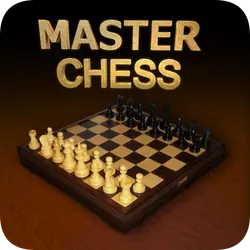
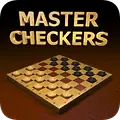
Master Chess is the classic game of chess, set up to play right in your browser. You can take on the computer, which has three difficulty levels from a gentle game for beginners up to a real challenge for strong players, or play against a friend on the same screen. The board and pieces have a clean wooden look, and a match can be a quick game or a long, thoughtful one.
How to play Master Chess
- Tap one of your pieces and the squares it can legally move to light up, then tap a square to move there.
- Every piece moves by the standard rules of chess, including castling, en passant and pawn promotion.
- You and the other side take one move each in turn, with white going first.
- Win by trapping the enemy king in checkmate.
- Your score counts down while you play, so a faster checkmate is worth more points.

Tips
- Develop your knights and bishops early and castle your king to safety before you attack.
- Take the four center squares, since your pieces reach further across the board from there.
- Trade pieces when you are ahead in material, and keep them on the board when you are behind.
- On the harder levels, check what the computer is threatening before you make your own move.
Think you can checkmate the computer on hard?